

Cybersecurity Protection
How to Protect Your Company from Cyber Attacks
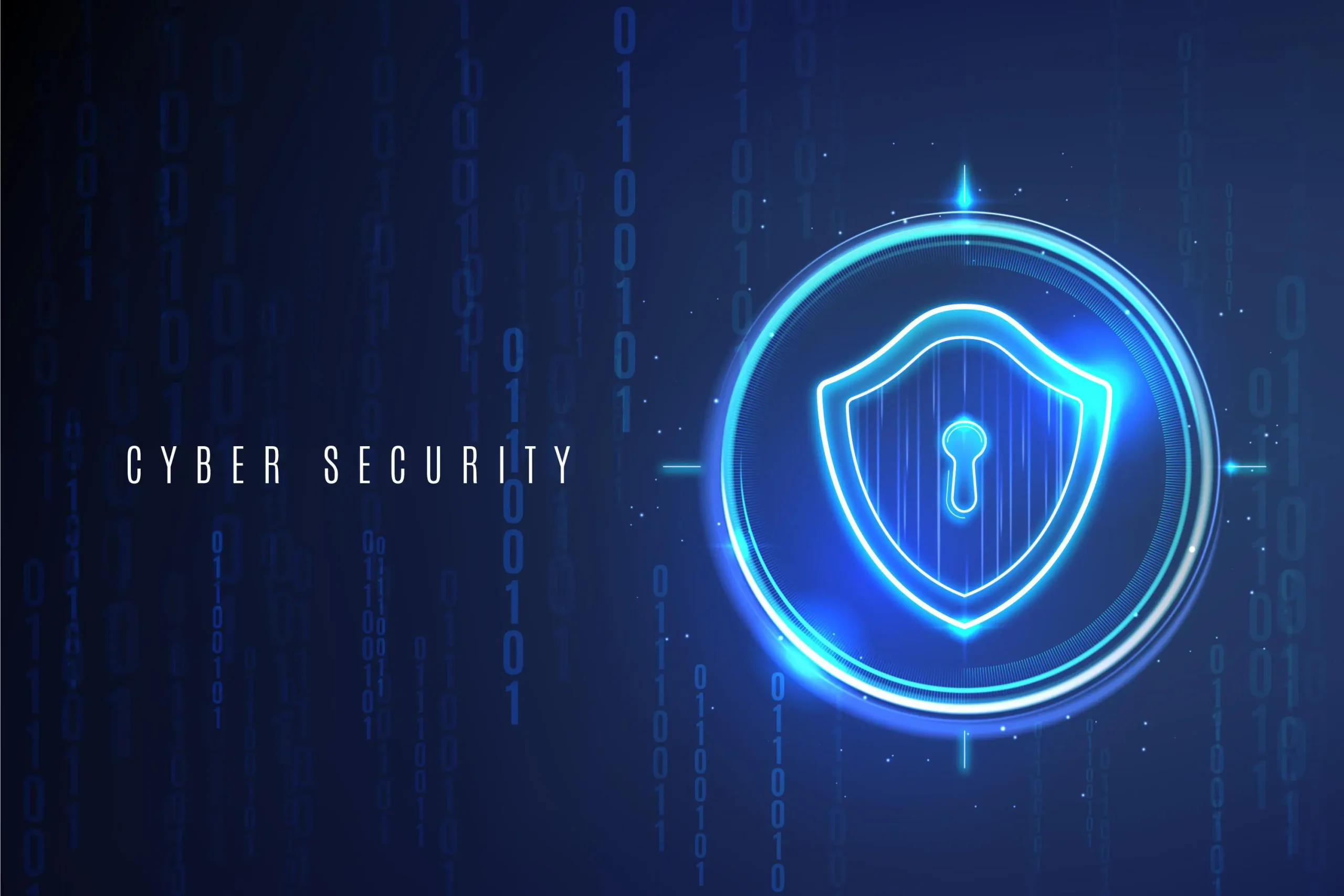
Cybersecurity protection means keeping your company’s systems, data, and people safe from hackers.
Every company, small or big, can be a target, so simple and clear protection steps are very important.
Main Cyber Risks for Companies
1. Common cyber attacks
Cyber attacks can include phishing emails, malware, ransomware, and data theft.
Hackers may try to steal money, customer data, or company secrets.
2. Human mistakes
Many incidents start from simple mistakes, like clicking a bad link or using a weak password.
Training people is as important as installing security tools.
Strong Passwords and Access Control
1. Password rules
Use strong passwords with letters, numbers, and symbols, and do not reuse the same password in many places.
Change important passwords regularly, and never share them with others.
2. Multi‑Factor Authentication (MFA)
Turn on MFA for email, VPN, and key business systems when possible.
MFA adds a second step, like a code on your phone, which makes hacking much harder.
Protecting Devices and Networks
1. Updates and patches
Keep operating systems, applications, and antivirus software up to date.
Updates fix security problems that hackers can use to enter your systems.
2. Secure network
Use a firewall to protect your internal network from the internet.
Use secure Wi‑Fi with a strong password, and separate guest Wi‑Fi from company devices.
Email and Web Safety
1. Phishing protection
Train staff to check the sender, links, and attachments before clicking anything.
If an email looks strange or urgent about money, always confirm by phone or another channel.
2. Safe browsing
Block dangerous websites and downloads when possible.
Do not install unknown software or browser plugins on company computers.
Data Protection and Backups
1. Protect sensitive data
Identify important data like customer information, payments, and contracts.
Limit access so only the people who need the data for work can see or edit it.
2. Backups
Make regular backups of critical data and systems.
Store at least one backup offline or in a separate secure cloud, and test restores from time to time.
Policies, Training, and Response Plan
1. Simple security policies
Create clear rules about passwords, device use, remote work, and data handling.
Make sure all employees read and understand these rules when they start and at least once a year.
2. Employee training
Give basic security training to all staff, not only IT people.
Use short, simple examples and repeat training regularly so people stay alert.
3. Incident response
Prepare a simple incident response plan that says: who to call, what to do, and what to record when there is a cyber problem.
Practice this plan so people know their role and do not panic during a real attack.
Working with Experts and Continuous Improvement
1. External help
Small companies can work with managed security service providers or IT consultants.
Experts can help set up firewalls, monitoring, and backup systems correctly.
2. Continuous improvement
Cyber threats change all the time, so protection must improve over time too.
Review your security at least once a year, fix weak points, and update tools and policies when needed.
Table: Key Cybersecurity Protection Actions
| Area | Simple action |
|---|---|
| Passwords & Access | Use strong passwords and turn on multi‑factor authentication. |
| Devices & Updates | Keep systems, apps, and antivirus always updated. |
| Network Security | Use firewalls and secure Wi‑Fi with strong passwords. |
| Email & Web | Train staff to avoid phishing and risky websites. |
| Data & Backups | Protect important data and make regular tested backups. |
| Policies & Training | Write simple rules and train all employees often. |
| Incident Response | Have a clear plan for what to do during an attack. |
| Expert Support | Use security experts or services when needed. |
| Ongoing Improvement | Review and improve security every year. |