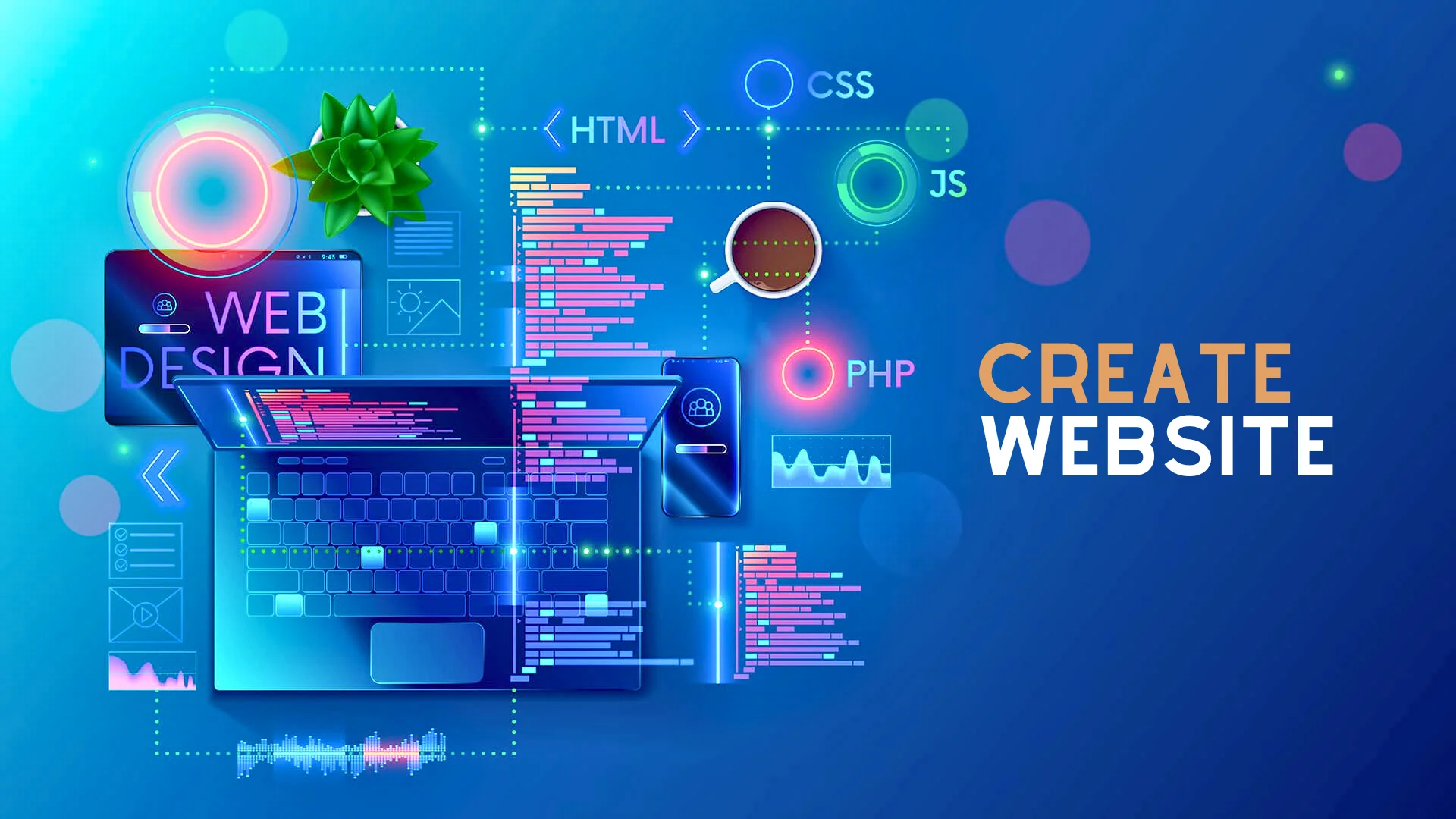
Professional Company Website
Building a Strong Online Presence
A professional company website is often the first place potential customers see your brand.
It should clearly show who you are, what you offer, and why visitors should trust and contact your business.
Core Goals of a Professional Website
A good company website builds trust and presents a clear, consistent brand image.
It also guides visitors smoothly toward key actions, such as sending an inquiry, booking a meeting, or requesting a quote.
The site must load fast, look good on all devices, and be easy to navigate.
Clear structure and simple language make it easier for visitors to find what they need quickly.
Essential Sections for a Company Website
1. Home Page
The home page gives a quick overview of your company, services, and value.
It should have a clear headline, a short description, and visible buttons for key actions (such as “Contact Us” or “Get a Quote”).
Short sections can highlight your main services, industries you serve, and reasons to choose your company.
Logos of partners or clients and short testimonials add extra trust.
2. About Us
The About page explains your story, mission, and values.
It helps visitors understand who is behind the brand and what makes your company different.
This section can include team photos, years of experience, and any awards or certifications.
A human, honest tone makes your company feel more real and approachable.
3. Services or Solutions
A professional website needs clear pages that explain each service or solution.
Each service page should describe the problem you solve, how you work, and the benefits for the client.
Using simple headings, short paragraphs, and bullet points helps people scan quickly.
You can add FAQs for each service to answer common questions and reduce friction before contact.
4. Portfolio, Case Studies, and Clients
Showing real projects and results is one of the best ways to build trust.
Case studies can briefly explain the client’s challenge, your solution, and the outcome.
Logos of clients and short quotes (testimonials) help prove that you deliver real value.
This section is especially important for B2B and technology companies.
5. Contact and Calls to Action
A clear Contact page should include a form, email, phone number, and, if needed, your address and map.
Contact options should also appear in the header and footer so visitors can reach you from any page.
Simple forms with a few fields are easier to complete and result in more leads.
You can also add WhatsApp or live chat for quick questions.
Design, Content, and Technical Quality
1. Visual Design and Branding
Colors, fonts, and images should match your brand identity.
Consistent design across all pages makes the site look professional and trustworthy.
High‑quality images and icons help explain ideas quickly and make pages more attractive.
Avoid clutter; leave enough white space so content is easy to read.
2. Content Quality and Structure
Text should be clear, simple, and focused on customer needs.
Use headings, subheadings, and short paragraphs to guide the reader.
Each page should have one main topic and one main goal.
Internal links between related pages help visitors continue their journey through the site.
3. Mobile, Speed, and Security
The website must work well on phones and tablets, not only on large screens.
Buttons, menus, and forms should be easy to use on touch devices.
Fast loading speed improves user experience and reduces bounce rate.
Using HTTPS (SSL certificate) is essential to protect data and build trust.
Professional Website Table: Key Elements and Their Roles
| Area | Role and main idea |
|---|---|
| Home Page | First impression and quick overview of who you are and what you do. |
| About Us | Build trust with your story, values, and team. |
| Services / Solutions | Explain what you offer and how it helps customers. |
| Portfolio / Cases | Show real work, results, and client success stories. |
| Contact & CTAs | Make it easy to ask questions, request quotes, or book meetings. |
| Design & Branding | Use consistent colors, fonts, and visuals to look professional. |
| Content Structure | Clear headings, simple language, and logical navigation. |
| Mobile & Speed | Ensure good experience on all devices with fast loading pages. |
| Security (HTTPS) | Protect visitor data and increase trust with a secure connection. |