Customer Relationship CRM
Building Strong Relationships with Customers
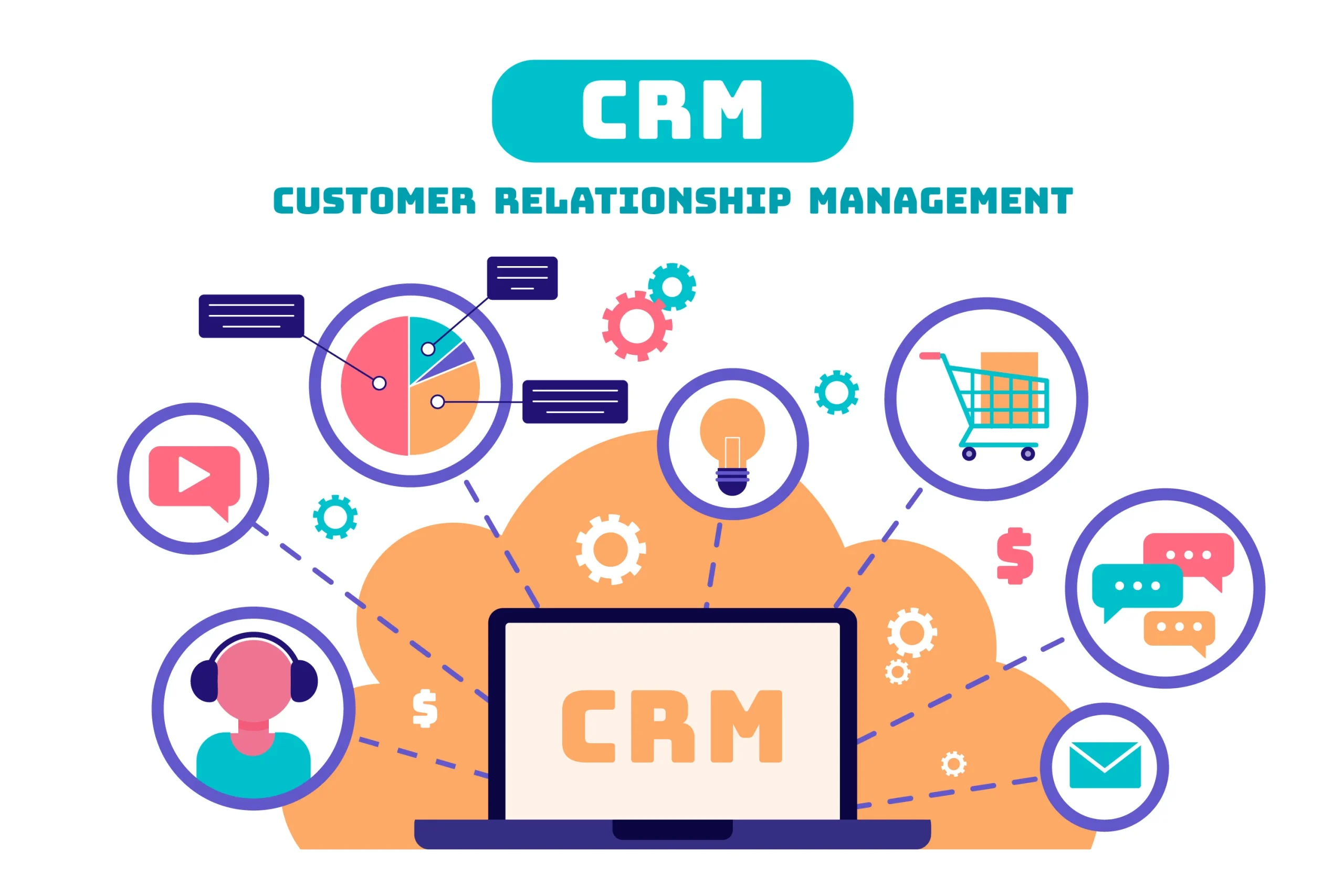
Customer Relationship Management (CRM) is a system that helps companies manage all interactions with their customers in one place.
It supports sales, marketing, and customer service teams so they can understand customers better and serve them in a more personal way.
What Is a CRM System?
A CRM system is software that stores customer data such as contact details, communication history, deals, and support requests.
It shows a full view of each customer, from first contact to after‑sales service, so teams know what the customer needs and what was discussed before.
CRM can be cloud‑based (online) or installed inside the company’s own infrastructure.
Team members can access it from the office, home, or on the move, depending on the setup and permissions.
Main Features of CRM
1. Contact and Account Management
The CRM keeps all customer information in organized profiles.
This includes names, emails, phone numbers, company details, notes, and documents related to each customer.
Instead of scattered spreadsheets and emails, everything is in one central system.
This helps teams avoid duplicate records and keeps data clean and up to date.
2. Sales Pipeline and Opportunities
CRM helps track leads and opportunities through clear stages such as new lead, qualified, proposal, and won or lost.
Sales teams can see which deals are close to closing, expected revenue, and next actions for each opportunity.
Reminders and tasks inside the CRM help salespeople follow up at the right time.
Managers can see a forecast of future sales and identify where the pipeline is weak or strong.
3. Marketing and Campaigns
Marketing teams can use CRM data to segment customers and send targeted campaigns.
They can group customers by industry, size, location, interests, or past purchases.
Emails, offers, and promotions can be tracked to see who opened, clicked, or responded.
This makes marketing more efficient and helps measure which campaigns work best.
4. Customer Service and Support
CRM systems usually include ticketing or case management for handling customer issues.
Support agents can see the full history of each customer, including past problems and solutions.
This makes replies faster, more accurate, and more personal.
Service quality improves, and customers feel that the company really knows them.
Benefits of Using CRM
1. Better Understanding of Customers
With all data in one place, the company gets a 360‑degree view of each customer.
Teams understand their needs, preferences, and pain points, which leads to better conversations and offers.
This deeper understanding builds trust and long‑term relationships.
Satisfied customers are more likely to stay, buy again, and recommend the company to others.
2. Higher Productivity and Teamwork
CRM tools reduce manual work like searching emails, updating many files, or asking colleagues for information.
Everyone sees the same data, so collaboration between sales, marketing, and support is smoother.
Automation features, such as automatic task creation or email templates, save time every day.
Managers can quickly see performance and focus coaching where it is most needed.
3. Improved Sales and Revenue
A clear sales pipeline helps teams focus on the best opportunities.
Follow‑up reminders reduce the chance of losing deals because someone forgot to call or reply.
Cross‑selling and up‑selling become easier when the system shows what each customer already bought.
Over time, this can increase revenue while also reducing the cost of finding new customers.
Implementing CRM Successfully
Successful CRM is not only about software; it is also about people and processes.
The company needs clear rules about how to enter data, update stages, and use the system every day.
Training is important so that all users feel comfortable and see the value of using CRM.
Regular reviews and improvements keep the system aligned with business goals as the company grows.
Table: CRM Areas and What They Do
| Area | Role and main idea |
|---|---|
| Contact Management | Store and organize customer and company information. |
| Sales Pipeline | Track deals from first contact to closing. |
| Marketing Campaigns | Segment customers and send targeted messages and offers. |
| Customer Service | Manage support tickets and solve issues with full history. |
| Reporting & Dashboards | Show key numbers like sales, conversions, and customer activity. |
| Automation & Workflows | Reduce manual tasks with automatic actions and reminders. |
| Collaboration | Let sales, marketing, and support share the same up‑to‑date data. |
| Customer Insights | Help understand behavior, needs, and satisfaction levels. |
| Integration with Other Tools | Connect CRM with email, ERP, websites, and call systems. |